Jelly Ruler

Soft interactions. Sharp precision.

A playful vector editor for logos and icons. Peel a picture apart into smooth shapes, then move, bend, round and snap them, and export clean SVG, PNG and app icons.

Free on iPhone, iPad, Chrome and Brave. Or open it right here in your browser: no account, no ads.

A little game. Squeeze jelly out of the title, then launch it off the ruler to fill the header.

The Jelly Ruler editor: a logo of a ring, a sail, a sun and a wave, with the sail picked and the tool rail, canvas toolbar and inspector around it.
iPhone and iPad

The whole editor in your pocket, and Apple Pencil on iPad. Save to Photos, share anywhere.

Get it on the App Store
Chrome and Brave

Pick any logo or icon off a web page and it opens as editable shapes.

Add to Chrome, free
In your browser

Nothing to install, no sign-up. It works offline after your first visit.

Open the editor

Peel a picture apart

Open a PNG, JPEG or WebP and it separates by colour into shapes you can move, resize and recolor. Each one is a few smooth Bézier curves, not thousands of pixel steps.

  • The picture stays underneath to compare
  • Trace settings for more or fewer colours
  • Exports clean, layered SVG
The Jelly Ruler crown, opened as a picture and separated into editable parts by colour.

Draw, and it understands

Sketch a circle, a rectangle or a triangle and it snaps into a clean shape. Draw a gear, a heart or an S and it keeps exactly what you drew, as smooth curves you can edit point by point.

  • Apple Pencil and fingers both move parts, and drag shapes straight out of the library
  • Double-tap the Pencil for a ring of tools right where you're working (in the iPad app)
  • Merge shapes and round where they meet
Shapes drawn by hand: a gear, an S-shaped stroke, a heart and a circle, with the round quick menu of tools open.

Letters that bend

Type a word and every letter becomes its own shape, set in Jelly Ruler Display. Recolor them, tilt them, merge them, or pull their curves.

  • Kerned like the font
  • Grouped, so the word moves as one
  • Ungroup to play with each letter
The words Make it bend as separate coloured letter shapes, with one letter tilted and picked.

Meet the jelly ruler

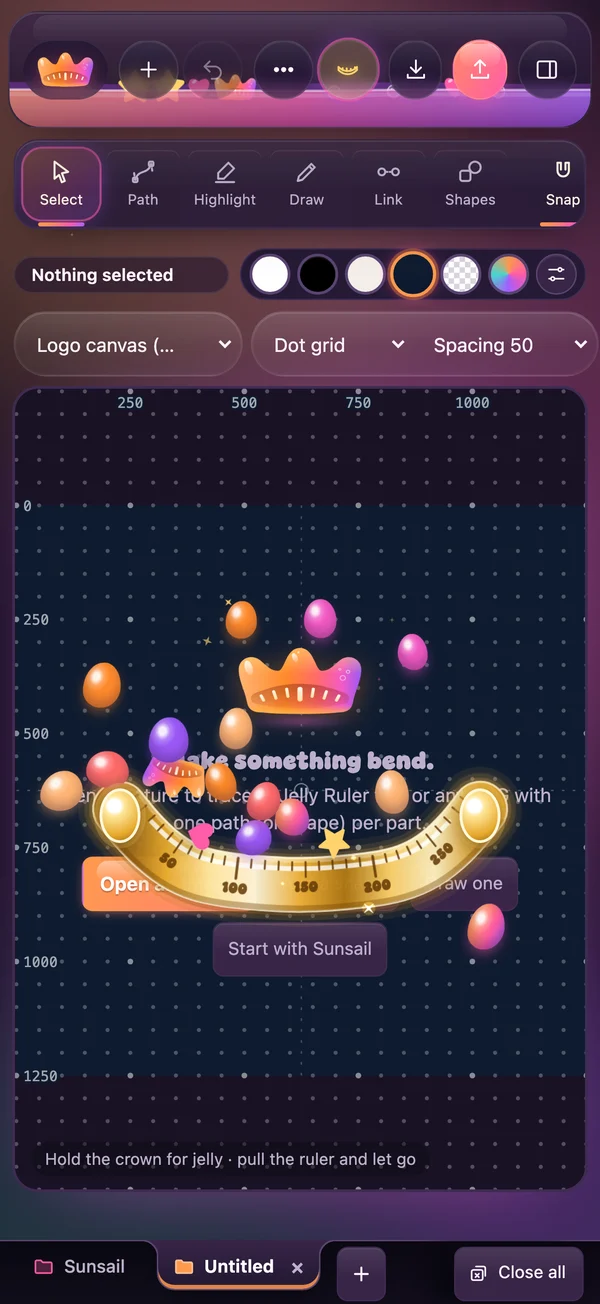
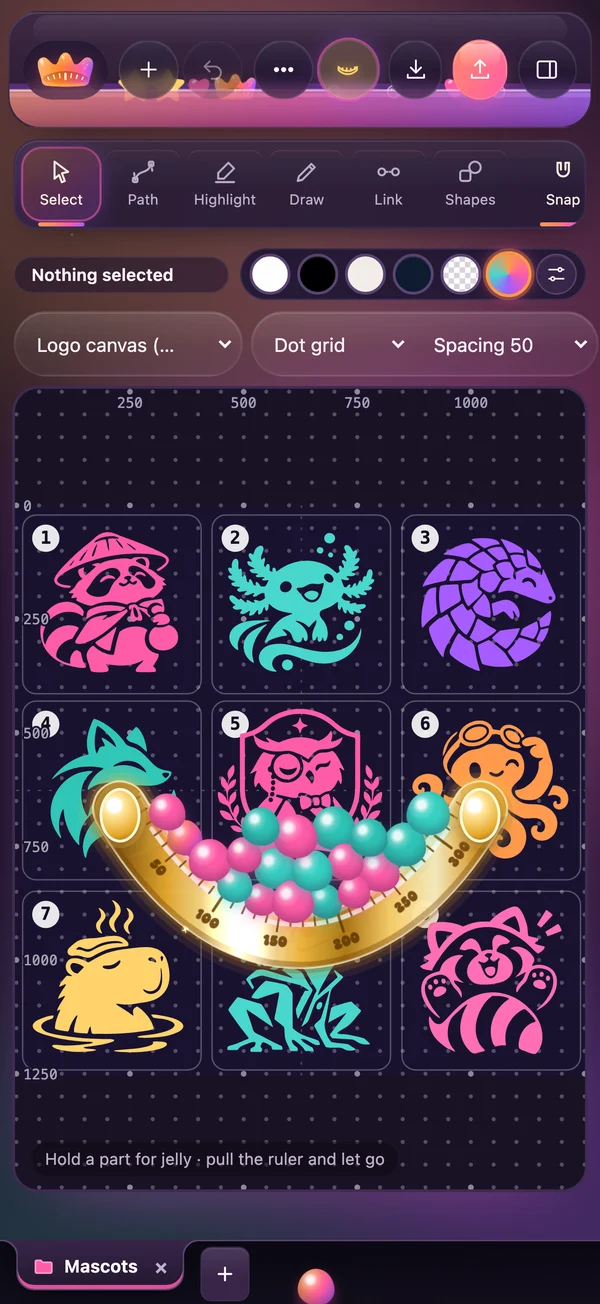
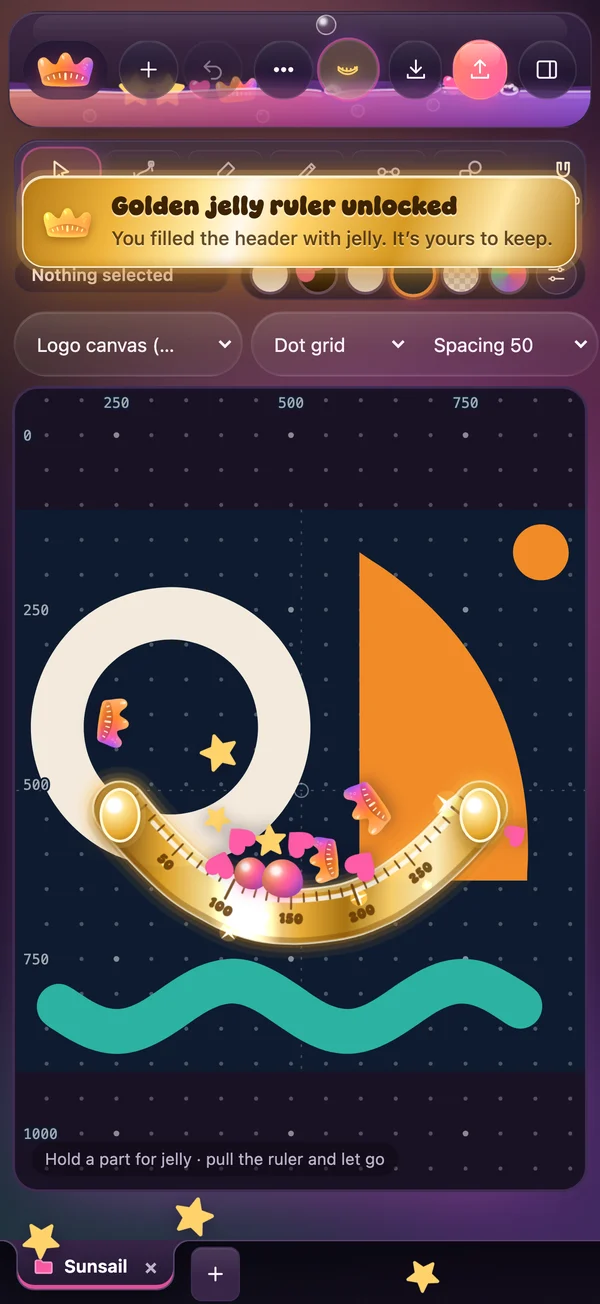
Tap the ruler and a soft, droopy ruler flops onto your canvas. Hold any part of your logo to squeeze out jelly, pull the ruler down and launch it into the header. Fill it to the top and the golden jelly ruler is yours.

  • No logo yet? Hold the crown until it pops
  • Give your phone a shake
  • Your drawing is never touched while you play
An empty canvas: the crown pops and jelly flies toward the ruler.Nine mascots traced into shapes, with pink and teal jelly in the golden ruler.The golden jelly ruler unlocked.

Copy. Paste. Recreate.

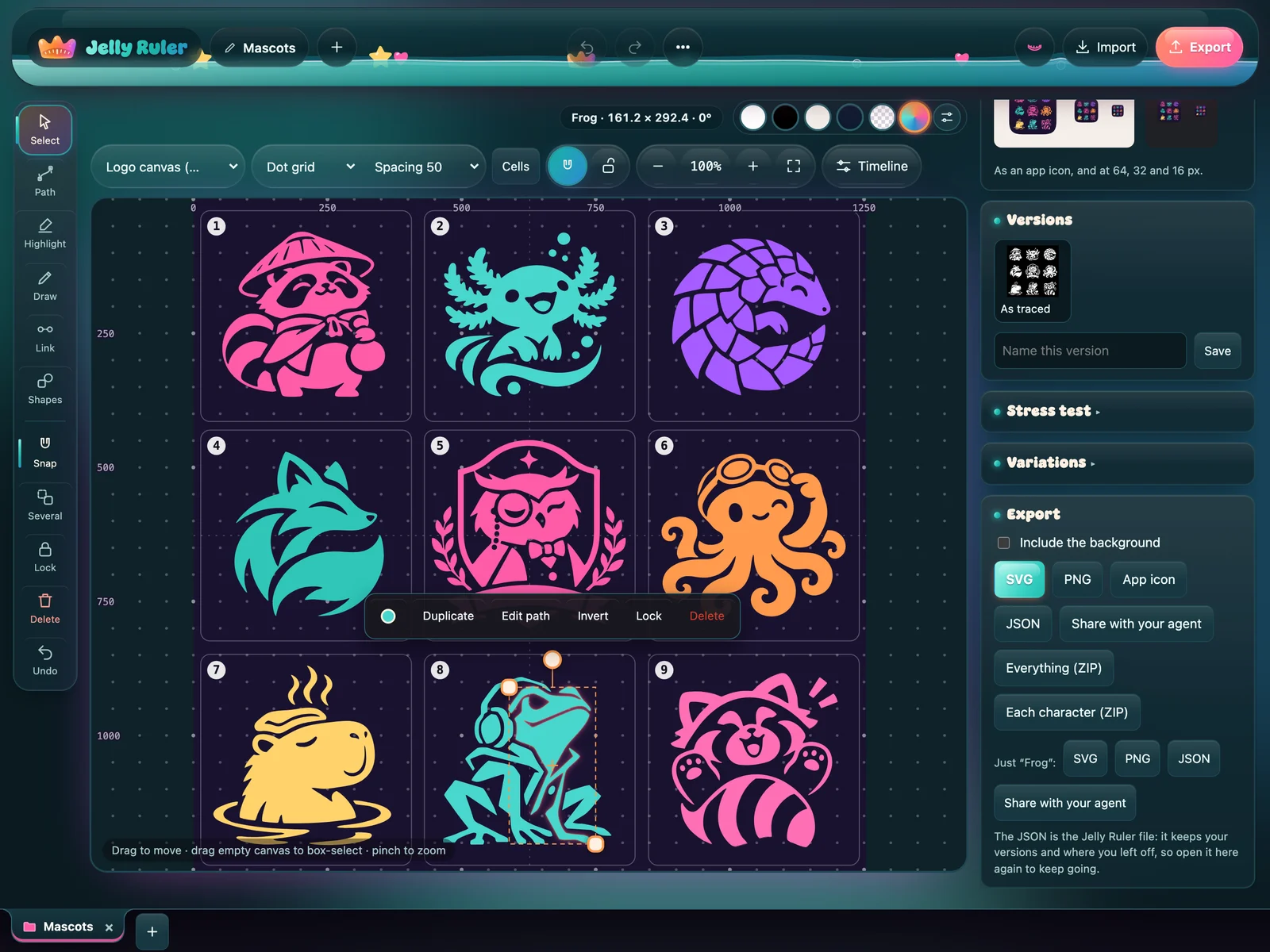
Share any logo, or just one character, as a JSON file with every path and colour. Hand it to the AI agent you already use and it can read, change or rebuild the design exactly.

  • Share with your agent, right from Export
  • A sheet of mascots arrives as one named group each
  • Open the file here again to keep going
The mascots sheet with the frog selected, and Export open at Just Frog: SVG, PNG, JSON and Share with your agent.

Precise underneath

The editor is exact to the pixel. The jelly ruler is not.

Snaps like a ruler

A numbered grid, and a magnetic centre and edges you can latch onto and slide along. Alignment guides, and constraints that keep parts related.

Frames for every icon

macOS and iOS app icons, menu bar, favicon, link preview: each with its safe area and export sizes.

Share with your agent

Send a design, or one character, as JSON your AI agent can rebuild. Next: sketch together, with its variations coming back onto your canvas.

Pick a logo off any page

The Jelly Ruler extension is out, free on the Chrome Web Store. It adds a picker to Chrome and Brave: point at a logo or icon on any website and it opens in the editor as shapes, ready to recolor, rearrange and export. Nothing is uploaded: it all runs on your computer.

Then try it right here: the typeface specimen just below is a picture. Pick it, and it comes apart into editable letters.

  • Chrome and Brave extension Free on the Chrome Web Store, and it works in Brave tooAdd
  • iPhone and iPad app Free on the App Store, with Apple Pencil on iPadGet
  • Mac app The same editor, at home on your desktopSoon
  • In your browser Free, right now: nothing to install, no sign-up, and your work stays on your deviceOpen
The extension's jelly ruler on the Jelly Ruler website in its teal Lagoon colours: pulled back like a slingshot, its dotted aim latched onto the crown on the title, which is outlined and labelled ready to pick.
The Jelly Ruler Display specimen: the wordmark, the alphabet in capitals and lowercase, figures, punctuation and sample phrases, white on black.

Jelly Ruler Display

The brand's soft, heavy display face, rebuilt as a real font: OTF, TTF and a web font, free under the MIT license.